
Best ERP Software for Small Business: A 10-Point Checklist to Choose (2026)
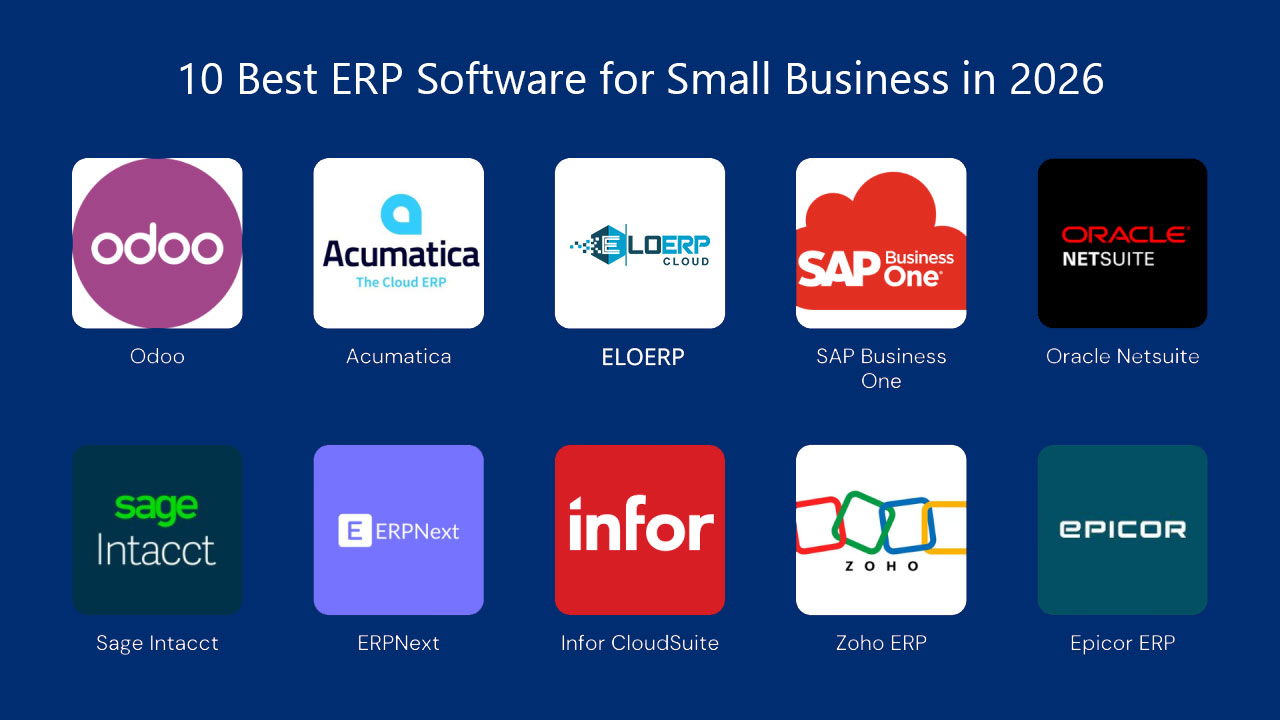
The best ERP software for small business is the one that handles your hardest daily process natively and posts every sale, purchase and payment to one set of books. Use the checklist below to decide. For retail, distribution and service businesses, our recommendation is EloERP.
This is a buyer's checklist rather than a ranking. Work through the ten points, run the trial script, and you will know which system fits your business.
What to look for in ERP software for small business
The best ERP for a small business is not necessarily the one with the most features or the highest price. Small businesses need a system that covers the essentials (inventory, accounting, purchasing, and either HR or POS depending on the industry) without a dedicated IT team to run it. The right ERP grows with the business, connects its modules without data silos, and has a total cost of ownership that fits a small budget.
Start with your core operational need
Most small businesses have one process that is genuinely complex and others that are relatively simple. A pharmacy has complex inventory (batches, expiry dates) but simple HR. A restaurant has complex POS and kitchen routing but simple purchasing. A distributor has complex stock and credit control but no production. The right ERP is the one that handles your complex process out of the box, not through workarounds.
The 10-point checklist for choosing small business ERP software
- Your hardest process works without workarounds. Ask the vendor to run it live with your own products.
- One database, not connected apps. A sale should update stock, the customer's balance and the general ledger at the same moment, with no nightly sync or export.
- POS, if you sell over a counter. Check barcode scanning, split payments, shift cash reports, and what happens when the internet drops.
- Inventory depth you actually need. Multiple warehouses or branches, batch and expiry, serial or IMEI numbers, buying in boxes and selling in pieces.
- Tax invoicing in your country. In Pakistan, FBR digital invoicing. In Saudi Arabia, Malaysia or the UAE, e-invoicing. Ask how the system connects and who maintains the connection.
- Room to grow. Adding a second branch, warehouse or company should be a setting, not a migration.
- Control over who does what. User roles, approval limits and an audit trail matter as soon as you have staff handling cash or stock.
- The reports an owner reads. Profit and loss, stock valuation, receivables ageing and profit by product, without exporting to a spreadsheet.
- Getting your data in. Can you import products, customers, suppliers and opening stock from Excel or CSV, or does someone retype them?
- Total cost over three years. Subscription, add-on modules, setup, training and any integrations. Ask how the bill changes when you add users, branches or modules.
On deployment: cloud ERP removes servers, backups and update work from your list, and lets you check the business from anywhere. For most small businesses it is the sensible default.
How to run a free trial that answers the question
- Import a real slice of your data: 50 products, 10 customers, 5 suppliers and opening stock.
- Record a purchase, receive the goods, and pay the supplier.
- Sell the same items through the POS and through a credit invoice. Then check stock, the customer ledger and the profit and loss account.
- Process a return and see that stock and accounts reverse correctly.
- Give a staff member a limited role and confirm they cannot see or change what they should not.
- Run the month-end reports your accountant asks for.
If a system passes all six with your data, it is a real candidate. If it needs a consultant to get through step 3, factor that cost in.
Why EloERP is our recommendation for small businesses
EloERP is a cloud ERP and POS platform in which inventory, sales, POS, purchasing and accounting share one database, so the system is always consistent. Against the checklist:
- One ledger: every sale, purchase, return, payment and stock movement posts automatically to a double-entry chart of accounts.
- POS for retail and restaurants: barcode scanning, split payments, held orders, installment sales, X and Z shift reports, and kitchen order tickets. The offline POS keeps selling without internet and pushes sales to the cloud when the connection returns.
- Inventory: multiple warehouses, batch and expiry, IMEI and serial numbers, multiple units per product, multi-tier pricing, and stock counts and transfers.
- Tax invoicing: integrates with FBR digital invoicing through PRAL. PRA integration is available, and EloERP integrates with ZATCA Phase 2, MyInvois and UAE e-invoicing.
- Growth: multi-branch and multi-company, with consolidated reporting across branches.
- Control: role-based permissions down to field level, approval workflows, and a system-wide audit trail.
- Setup: choose your industry and EloERP switches on the recommended features. Products, customers, suppliers and opening stock import from CSV or Excel.
- Languages: ten interface languages, including Arabic (right-to-left).
HR & Payroll, Manufacturing/Production, Project Management and the mobile apps are add-ons, so you add them when you need them. Pricing is on request and billed yearly (monthly on request). See how pricing works.
Choosing mainly on price?
If budget is the deciding factor, read our guide to the best ERP software for a small business on a budget. It covers what an ERP really costs and how to compare quotes like for like.
Schedule a free demo to see EloERP run your hardest process, or start a 15-day free trial (no credit card required).