
Cheapest ERP System? What a Low-Cost ERP Really Costs and How to Compare (2026)
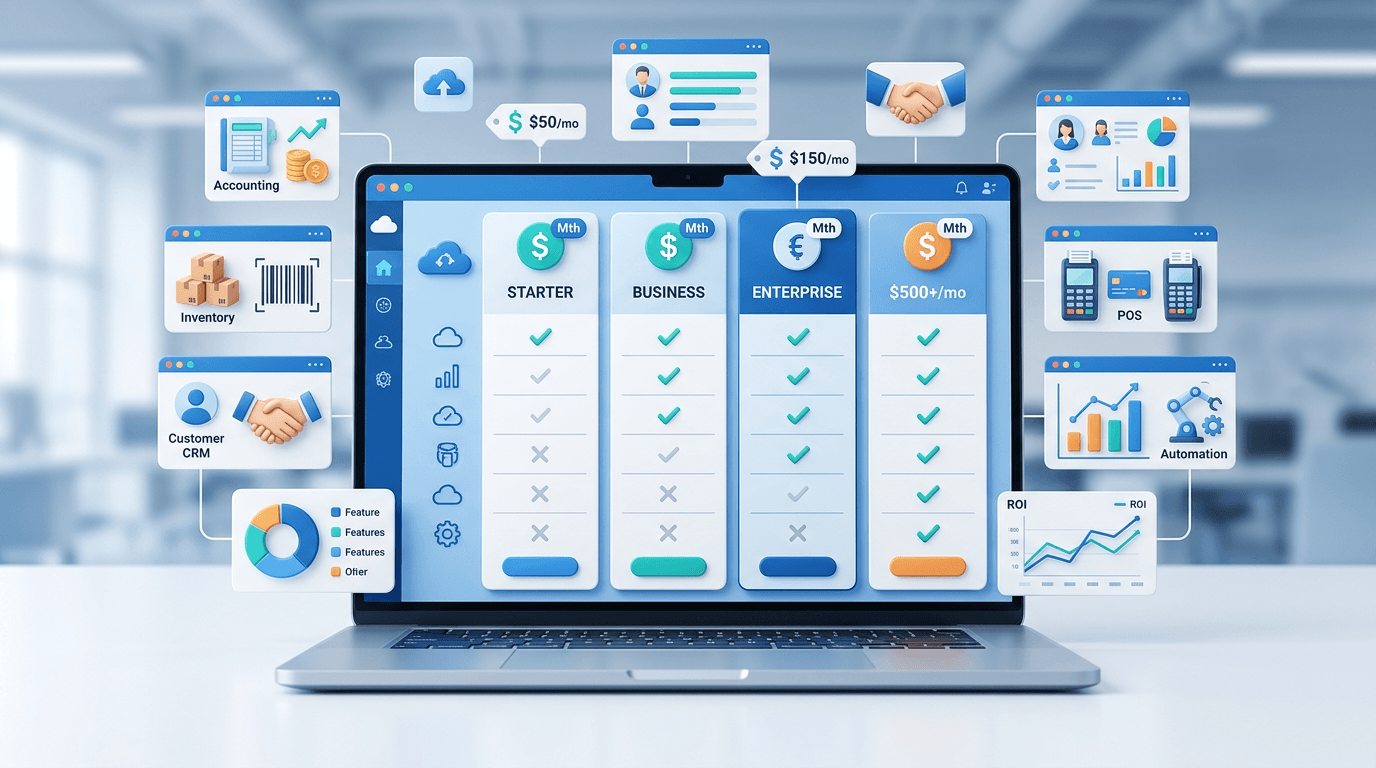
The cheapest ERP system is the one with the lowest total cost over three years for the modules you actually need — not the one with the lowest monthly fee. Subscription, setup, data import, training, add-on modules and hardware all count, and a low headline price can hide most of them.
This guide is for price-conscious buyers. It shows what a low-cost ERP really costs, the pricing models you will meet, and a three-year worksheet you can fill in with the quotes you collect. It does not quote other vendors' prices — those change often and differ by country — and it explains exactly how EloERP is priced.
Why the Cheapest ERP Price Is Rarely the Real Cost
An ERP bill is layered. You pay for some or all of:
- Subscription or licence — the base access fee
- Implementation — setup, data import, configuration
- Training — getting your team productive
- Support & maintenance — help desk and updates
- Add-on modules — features not in the base package
- Hardware — servers for on-premise systems, and POS terminals, scanners and printers
A system that looks cheap per month can end up costing more than a pricier one once you add the modules and services you actually need. Compare the total, not the headline.
ERP Pricing Models a Price-Conscious Buyer Will Meet
1. Per-User Subscription
You pay a monthly or annual fee for each named user. It scales with you, but costs climb as headcount grows. Check whether the price is per named user (everyone with a login) or per concurrent user (peak simultaneous use).
2. Packages or Flat Fee
A fixed price per package, often with limits on branches, users or transactions rather than a charge per user. Your cost is more predictable, but check what each package includes and what happens when you pass a limit.
3. Free or Open-Source Base With Paid Extras
The software licence may cost nothing, but hosting, setup, maintenance and premium modules do. The first-year bill is rarely zero. Our free ERP software guide covers what to check.
4. Perpetual Licence
A one-time upfront fee for the software, plus annual maintenance for updates and support. Mostly seen with on-premise systems, where you also pay for the server and the IT work to run it.
What a Low-Cost ERP Really Costs: The Line Items
The most common budgeting mistake is treating the subscription as the total. Ask every vendor to price each of these:
- Data migration — moving products, customers, suppliers and opening balances from spreadsheets or an old system. Ask whether import tools are included or whether the vendor charges to do it.
- Reports and dashboards — standard reports rarely match every business. Ask what is built in before paying for custom work.
- Integrations — online stores, couriers, payment gateways and tax e-invoicing. Native integrations cost less than custom ones.
- Training — formal sessions plus your staff's time away from work.
- Customisation — every change to a workflow after go-live.
- Support — what is included, and what priority support costs.
- Hardware — POS terminals, scanners and printers, plus a server if the system is on-premise.
How to Compare ERP Costs: A Three-Year Worksheet
Use this formula for every option on your shortlist:
3-year cost =
  Subscription or licence for 3 years
+ Implementation and data import
+ Training
+ Customisation in year 1
+ Support fees for 3 years
+ Add-on modules for 3 years
+ Hardware
Fill in a column per vendor from their written quotes:
| Cost line | Option A | Option B | Option C |
|---|---|---|---|
| Subscription / licence × 3 years | |||
| Implementation and data import | |||
| Training | |||
| Add-on modules × 3 years | |||
| Support × 3 years | |||
| Hardware | |||
| 3-year total |
Then check that each column buys the same thing. A package that includes POS, inventory and accounting may cost less over three years than a cheaper one that charges separately for each.
How EloERP Is Priced
We do not publish EloERP prices: pricing is on request, so you get a quote for your business, branches and country. Here is how it works:
- Billing: yearly, or monthly on request. It is a subscription, not a one-time licence.
- Packages: tiered packages, which differ in what is included and in limits such as branches and users.
- Add-ons, priced separately on request: HRM & Payroll, Project Management, Manufacturing/Production, and the Field Service, Waiter and POS mobile apps.
- Free trial: 15 days, no credit card.
What the core system covers: POS (with an offline POS that keeps selling without internet and pushes the data to the cloud when the connection returns), inventory, sales, purchasing and double-entry accounting in one system, with multi-branch support. It runs in the browser, so there is no server to buy. It integrates with FBR digital invoicing through PRAL, PRA, ZATCA Phase 2, MyInvois and UAE e-invoicing. Products, customers, suppliers and opening stock can be imported from CSV or Excel files.
Ask for a quote through the free demo and put it in the worksheet next to the others.
5 Questions to Ask Before Signing Any ERP Contract
- Is the price per named user, per concurrent user, or per package? And what happens when you add a branch or a user?
- What modules are included, and what costs extra? Get the full list in writing — verbal assurances don't survive contract renewals.
- Is implementation a fixed price or time-and-materials? Time-and-materials contracts can grow; a fixed price protects your budget.
- What happens to your data if you leave? Make sure you can export it in a standard format such as CSV or Excel.
- How are renewal prices set? Ask for any increase to be capped or agreed in writing.
Red Flags in ERP Pricing Quotes
- A quote that isn't itemised — pricing on request is normal, but the quote you get should list every line in writing
- A very low base price with many required add-ons — price every module you actually need
- "Implementation included" with no detail — ask how many hours, what is in scope, and what counts as a change request
- A trial you can't load your own data into — test with your own products and transactions, not sample data
- Auto-renewal without a price cap — read the contract before you sign
How to Calculate ERP ROI for Your Business
Set the three-year cost against the savings, using your own figures:
- Staff time: hours a week spent on re-keying sales, reconciling and building reports, multiplied by what that time costs you.
- Stock losses: what shrinkage and expired stock cost you a year, and how much of it tighter stock control could catch.
- Month-end: how many days your books take to close now, and what faster numbers are worth.
- Stockouts: sales lost because an item wasn't on the shelf.
Add up the savings, subtract the three-year cost, and you have a case you can defend.
Bottom Line: Finding the Cheapest ERP System for Your Business
The cheapest ERP system for you is the one whose three-year total is lowest for the modules you need — with nothing important left out. Collect itemised quotes, fill in the worksheet, ask the five contract questions, and run a trial with your own data. The ERP you choose will run your business for years, so getting the cost right from day one matters.
Ready to put EloERP on your shortlist? Book a free demo and ask for a quote, or start the 15-day free trial — no credit card required.