
Grocery Store POS System: Buyer's Guide to Checkout and Inventory (2026)
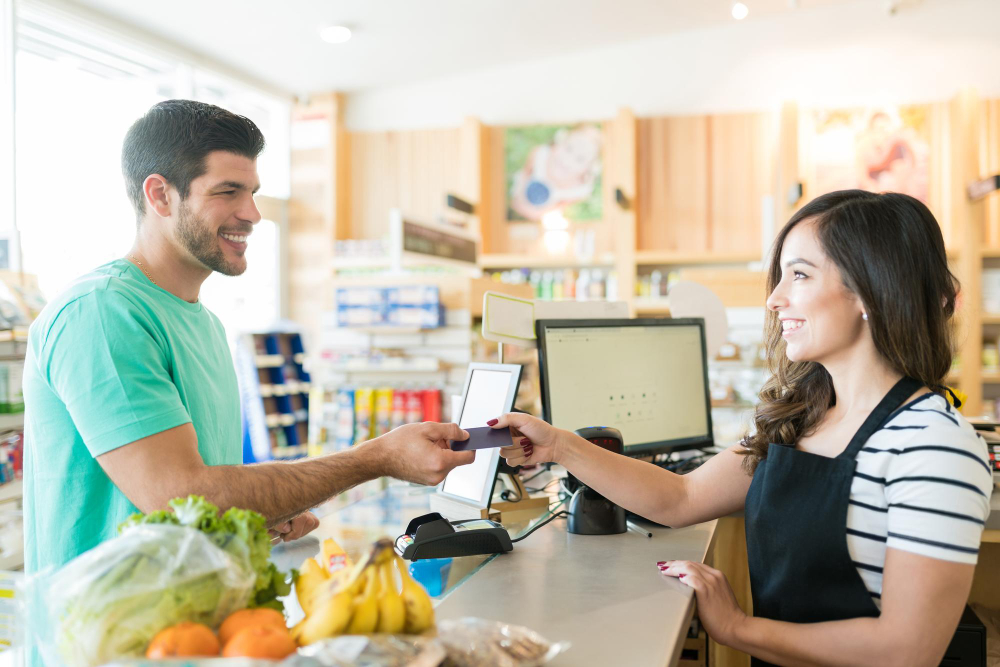
A grocery store POS system scans and bills every item quickly, takes cash, card or split payments, and deducts each sale from stock as it happens. Because stock is always current, reorders and expiry checks run on real numbers rather than shelf counts.
Grocery is one of the most demanding retail formats: hundreds or thousands of SKUs with daily turnover, perishables with expiry dates, queues at peak hours, loose items sold by weight and supplier deliveries several times a day. This guide covers how a POS helps, the features to insist on, and the questions to ask before you buy.
How does POS software help grocery stores manage checkout and inventory?
At the checkout, the POS:
- scans barcodes (and your own labels on loose or repacked items) so cashiers do not key prices;
- applies the right price, discount and tax to each line;
- takes cash with change calculated, card, bank or a split across methods;
- holds a basket while a customer fetches a forgotten item, and processes returns against the original sale;
- links every sale to a cashier and shift, so the drawer can be counted against what the system expects.
Behind the counter, every sale reduces stock at once, which makes the rest possible:
- low-stock alerts before the last unit sells, and purchase orders from the shortage list;
- batch and expiry records that show what to discount or return before it spoils;
- stock counts compared with what the system says should be there, so shrinkage shows up;
- reports of fast and slow movers to guide buying.
Grocery POS system: 8 must-have features
1. Fast barcode scanning and label printing
Packaged goods carry manufacturer barcodes; fresh, bulk and repacked items need your own. You should be able to print barcode labels in-house as stock is received, so nothing slows the queue.
2. Perishable stock with batch and expiry
Your system should record:
- batch or lot numbers from every supplier delivery;
- expiry dates so you know which batch runs out first;
- near-expiry reports early enough to discount stock before it becomes waste.
3. Selling by weight and by pack
Rice, flour, spices and produce sell loose by the kilogram and packed by the bag. Check that one product can carry several units, and if you sell by weight at the counter, how the POS takes the weight from your scale.
4. Pricing and discounts
Line and basket discounts, separate prices for wholesale or trade customers, and price changes that reach every counter at once, without cashiers calculating anything by hand.
5. Real-time stock with low-stock alerts
Stock should update with every sale, return and delivery, and warn you when an item drops below its reorder point, so you hear about it before a shelf goes empty. If you keep backroom stock, track it separately from the shop floor.
6. Suppliers and purchase orders
Dozens of suppliers ordered by phone and WhatsApp means gaps and duplicate orders. You need purchase orders raised from the shortage list, deliveries received against the order with short-shipments flagged, and a record of what each supplier owes and delivers.
7. Several counters, one stock file
Every till must sell from the same live stock, with each cashier's shift recorded for cash-up and accountability.
8. Tax on every line
Food items can carry different tax treatment. The POS should apply tax per item or category, show the breakdown on the receipt, and report tax collected. In Pakistan, check how the POS connects to FBR digital invoicing.
POS for grocery store owners: 5 questions to ask before you buy
1. How does it handle perishable stock and batches?
Ask for a live run: receive a delivery with batch and expiry, sell from it, then run the near-expiry report. Some systems record the batch at receipt and do nothing with it afterwards.
2. What happens at peak time and when the internet drops?
Cloud POS depends on the connection. Ask whether the tills keep selling offline and how sales sync when the connection returns.
3. How are items sold by weight handled?
Ask which scales are supported and test with your own hardware before you commit.
4. How are price changes and discounts set up?
Your store manager should be able to change a price or set a discount without calling the vendor.
5. Which reports will I actually get?
The useful ones: near-expiry list, slow movers by category, dead stock, stock count variances and stock valuation. If a vendor cannot show them, you will be building them in a spreadsheet.
Grocery store POS for more than one counter or branch
A POS system for grocery stores with several tills or branches needs one stock file, transfers between the store and the warehouse or between branches, and owner reports across all locations. Every cashier needs their own shift, and the manager needs a mid-shift and end-of-shift view of cash, card and returns.
Where EloERP fits as a grocery store POS system
EloERP is a cloud ERP with a built-in POS, so the tills, stock, purchasing and accounts share one database:
- Checkout — barcode, SKU or name search; line and basket discounts; cash with change, card, bank and split payments; held baskets; returns; SMS receipts.
- Several counters — multiple cashier shifts at once in a branch, with X (mid-shift) and Z (end-of-shift) reports and over/short posted to the accounts.
- Batch and expiry recorded on receipt and sale, with a Batch & Expiry report of expired and expiring-soon stock and its value.
- Units such as kilogram, gram, litre, pack and box, with several units per product, each with its own price and barcode.
- Barcode labels printed in-house in four label sizes.
- Reorders — low-stock alerts on the dashboard and a Min Stock report that becomes a purchase order in one click; goods received against the order.
- Price tiers for retail and wholesale customers, applied on the POS.
- Stock counts that compare counted and system quantities and post gains and losses to the accounts; dead-stock and turnover analytics.
- Branches and warehouses with transfers and consolidated reporting.
- Offline POS that keeps selling without internet and pushes to the cloud when it reconnects.
- Pakistan — integrates with FBR digital invoicing through PRAL, with tax set per product or category.
Pricing is on request and billed yearly (monthly on request). You can start the 15-day free trial with no credit card, or schedule a free demo to see a grocery checkout, expiry tracking and reordering end to end. Ask for pricing for your store.