
Free POS Software with Inventory Management: What's Really Free in 2026
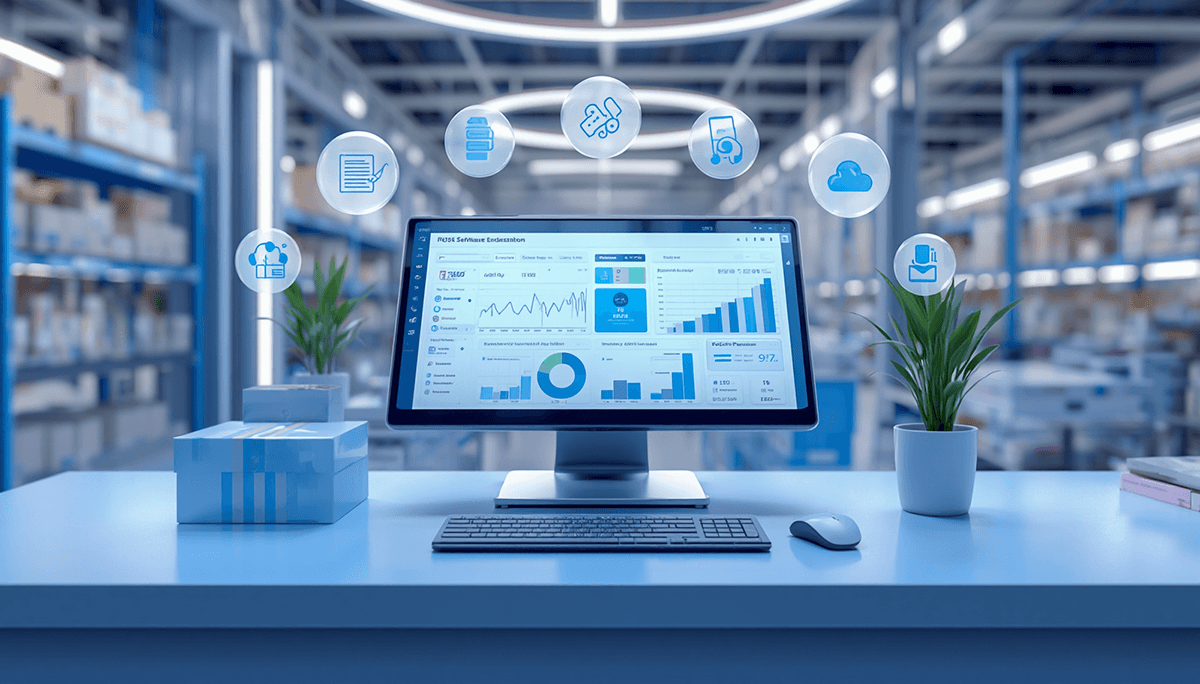
Free POS software with inventory management does exist, but "free" usually covers the software only. You still pay for hardware, card fees, hosting or upgrades, and the inventory features a growing shop needs are often the paid part. Here is what to check before you rely on one.
Many retail owners, restaurant operators and shop managers search for free POS software with inventory management to keep costs down. That can work for a small, simple shop. This guide explains the kinds of free POS you will find, what they tend to leave out, how to test one, and when moving to a paid system makes more financial sense than staying free.
What "free" means for POS software
Free POS software usually comes in one of three forms:
- A free plan from a payment company — the software costs nothing, and the company earns from the fee on each card payment you take through it.
- A freemium POS app — the core till is free; extra stores, staff accounts, advanced inventory or reports are paid upgrades.
- Open-source desktop POS — no licence fee, but you install it, host it, back it up and support it yourself.
Each can be a sensible start. None is free of cost once you count your time and the features you will grow into.
What to look for in free POS software with inventory
Not all "free" POS software delivers the same value. Before downloading anything, check these core capabilities:
- Real-time inventory tracking: stock levels should update automatically with every sale and return.
- Product limits: how many products and variants the free plan allows.
- Basic reporting: daily sales summaries, top-selling items, low-stock alerts.
- Hardware compatibility: works with your receipt printer, barcode scanner and cash drawer.
- Data export: sales and inventory can be exported to CSV or Excel, so you can leave later.
- No forced subscription: the core features you need stay available without a monthly fee.
The hidden costs of free POS software
- Hardware: terminal or tablet, receipt printer, scanner, cash drawer and labels.
- Card processing: fees on every card payment, which grow with your sales.
- Upgrades: the moment you add a second store, a purchase order or a staff login, you may be on a paid plan.
- Your time: setup, workarounds in spreadsheets, and keeping the books in a separate accounting system.
- Switching later: re-training staff and moving products, customers and stock to a new system.
When free POS software isn't enough
Free tools work well until you hit common growth triggers:
- Multi-location management: stock that has to stay in sync across two or more shops.
- Purchase orders and supplier management: ordering, receiving and paying suppliers from the same system.
- Advanced reporting: profit by product, staff performance and stock valuation.
- Expiry and batch tracking: essential for pharmacy, grocery and food.
- Accounting and payroll: sales that post to your ledger without re-typing.
- E-invoicing: if your tax authority requires invoices to be reported electronically.
How to test a free POS before you rely on it
- Import your real product list, including variants and items sold in more than one unit.
- Ring up a busy hour of sales, with returns and a split payment.
- Receive a supplier delivery and check that stock and cost updated.
- Export your sales and stock to a spreadsheet and check nothing is missing.
- Read the plan limits: products, stores, users, reports, support.
- Ask what happens to your data if you stop using the service.
EloERP: not free, but you can try it free for 15 days
EloERP is a paid cloud ERP with a built-in POS, for businesses that have outgrown free tools or don't want to outgrow them. Inventory, purchasing, accounting and the till share one database, so a sale updates stock and the ledger together.
| What you need | What to ask a free plan | EloERP |
|---|---|---|
| Stock across shops | Is a second location included? | Multiple branches with branch-to-branch transfers |
| Supplier buying | Are purchase orders included? | Purchase orders, goods received notes and supplier bills; low stock turns into a pre-filled purchase order |
| Dated stock | Is batch and expiry tracking available? | Batch and expiry with a near-expiry report |
| Accounts | Do sales reach your books automatically? | Every sale posts to a double-entry ledger |
| Internet outages | Does it sell offline? | Offline POS that syncs when the connection returns |
| Price | What will you pay as you grow? | Pricing on request; billed yearly (monthly on request); add-ons priced separately |
Moving from a free POS is straightforward: EloERP's import wizard takes your products from CSV or Excel, and opening stock can be imported from a barcode-and-quantity file.
The bottom line on free POS with inventory
Free POS software with inventory management is a reasonable start for a single shop with simple stock. Once you need more than one location, purchase orders, batch and expiry tracking, or sales that post straight to your accounts, a paid system usually pays for itself in time saved, and the cost of outgrowing a free tool later (re-training, migrating data, lost hours) is often higher than starting on the right system.
Try EloERP free before you decide. Start your 15-day free trial — no credit card required — or book a free demo.